Integrate Philips Hue with QLab.
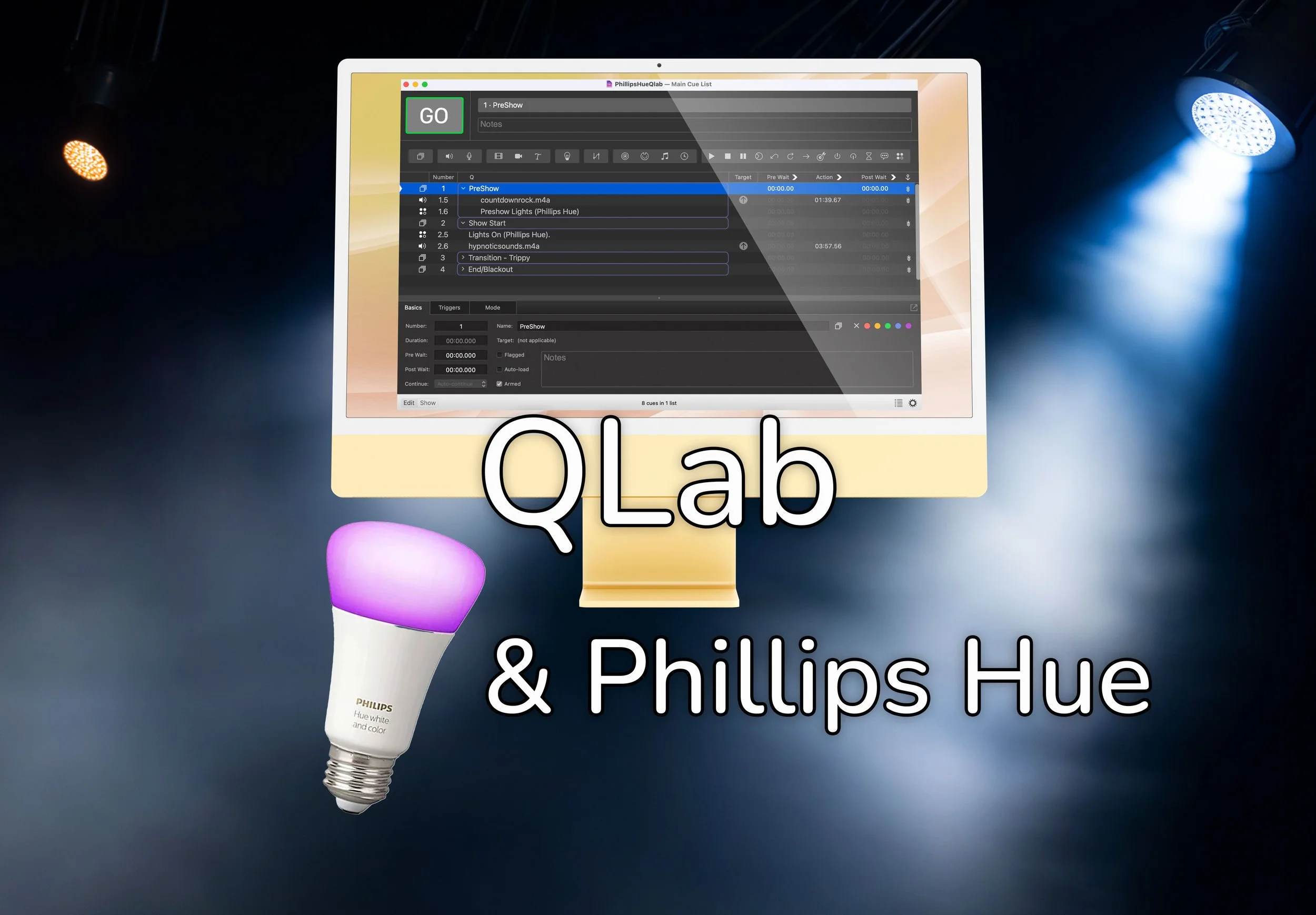
No coding required. Cue any light fixture, power devices on/off in Qlab - No DMX interface required.
Looking for how to’s? Check out our instructional videos.
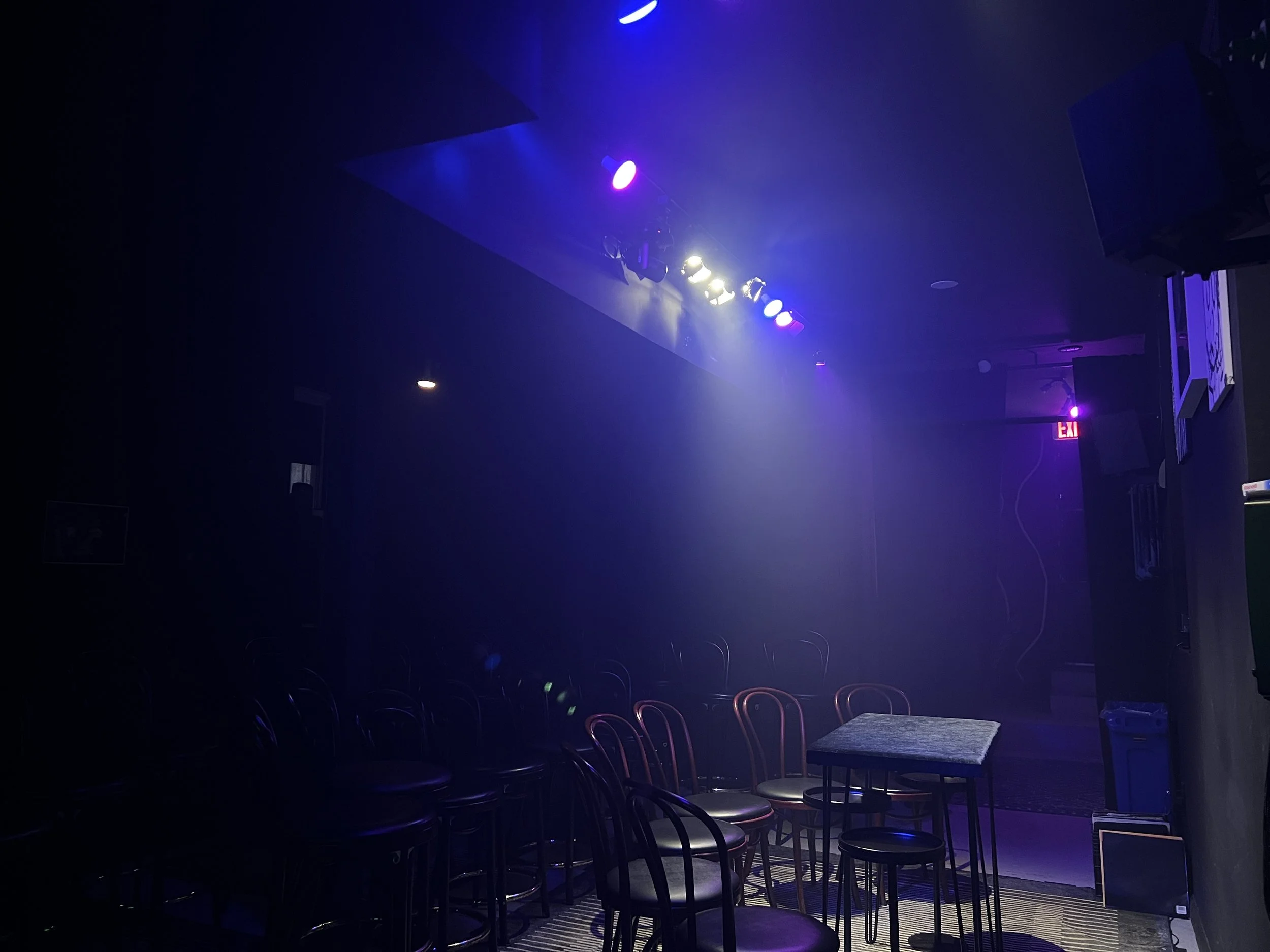
Use Philips Hue Lights with QLab
Turn any space into an immersive experience with this QLab + HueCue integration.
HueCue turns your Philips Hue lights into a professional lighting system for live performance, backed by the power of QLab. If you’re looking for a DMX alternative for small stages, this is for you.
Built for community theaters, indie performance spaces, small churches, student productions, and DIY venues. If you own a few Philips Hue bulbs and a Mac, you already have everything you need to build real, repeatable lighting cues and trigger them when the moment calls for it.
What you need
A Mac
HueCue is a macOS app. You'll build and manage all your lighting cues here.
Philips Hue Lights + Bridge
Any Hue bulbs, light strips, or smart plugs — plus the Hue Bridge they connect to. The bridge talks to HueCue over your local WiFi network. No cloud account required.
QLab
HueCue exports cues as QLab script cues. The free version of QLab supports script cues, so you can run lighting alongside your sound cues at no additional cost.
How it works
Step 1: Connect to your bridge
Press the link button on your Philips Hue bridge. HueCue discovers it automatically, finds every light and smart plug on your network, and detects what each device can do — color, temperature, dimming, or on/off. No configuration needed.
Step 2: Build your cue list
Create scenes light by light with per-bulb control over power, brightness, hue, saturation, color temperature, and transition time. Or walk the space, set lights by hand, and hit Capture — HueCue pulls the exact state of every light into a scene instantly.
Step 3: Preview on real lights
Apply any scene to your actual lights with one click. See exactly what the audience will see before you ever commit to a cue. Adjust, preview again, and lock it in when it looks right.
Step 4: Export to QLab
Copy the generated cue and drop it straight into your QLab show file as a new script cue. Done!
Looking for more how to’s? Check out our instructional videos.
Built for venues where DMX doesn't make sense
DMX is the industry standard for a reason — but it's designed for permanent installations with dedicated lighting rigs, dimmers, and a trained operator at a lighting console.
A lot of performances don't happen in those spaces. They happen in rented rooms, community centers, church basements, pop-up venues, and black boxes where running cable isn't practical and buying a lighting console isn't in the budget.
HueCue is for those shows. Philips Hue bulbs screw into standard fixtures and talk to a small bridge over WiFi. HueCue lets you build per-light scenes with the same precision you'd expect from a real lighting system — brightness, color, color temperature, transition timing — and export them as QLab script cues that fire alongside your sound.
One operator. One cue list. Sound and lights together. No console, no DMX cables, no electrician.
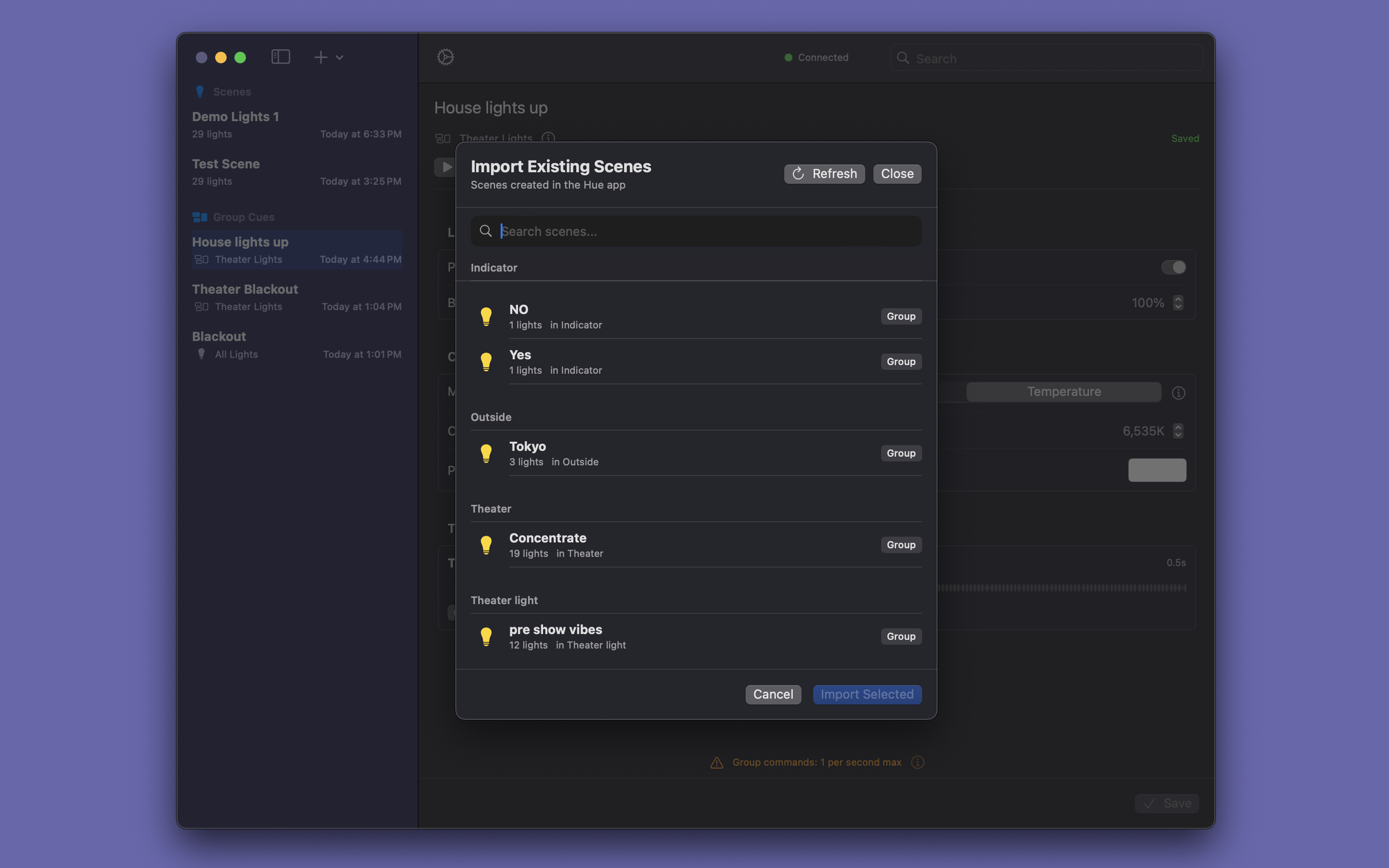
Bring the simplicity of the Philips Hue ecosystem into the QLab powerhouse
Connect to your Philips Hue bridge with a single button press. HueCue discovers every light, plug, and device on your network and shows you exactly what each one can do.
Build detailed lighting scenes light by light, dialing in precise brightness, hue, saturation, and color temperature values for each bulb. Or, sync with the existing scene. Only the controls that apply to your hardware are shown, so there's nothing to second-guess.
Test scenes in real time. Hit "Preview Scene" and watch your lights change instantly. When the cue looks right, export it.
Drop scenes directly into your QLab show file as script cues. One operator, one cue list, sound and lights triggered together.
Questions? Comments? Feel free to reach out!
info@steadymaking.studio
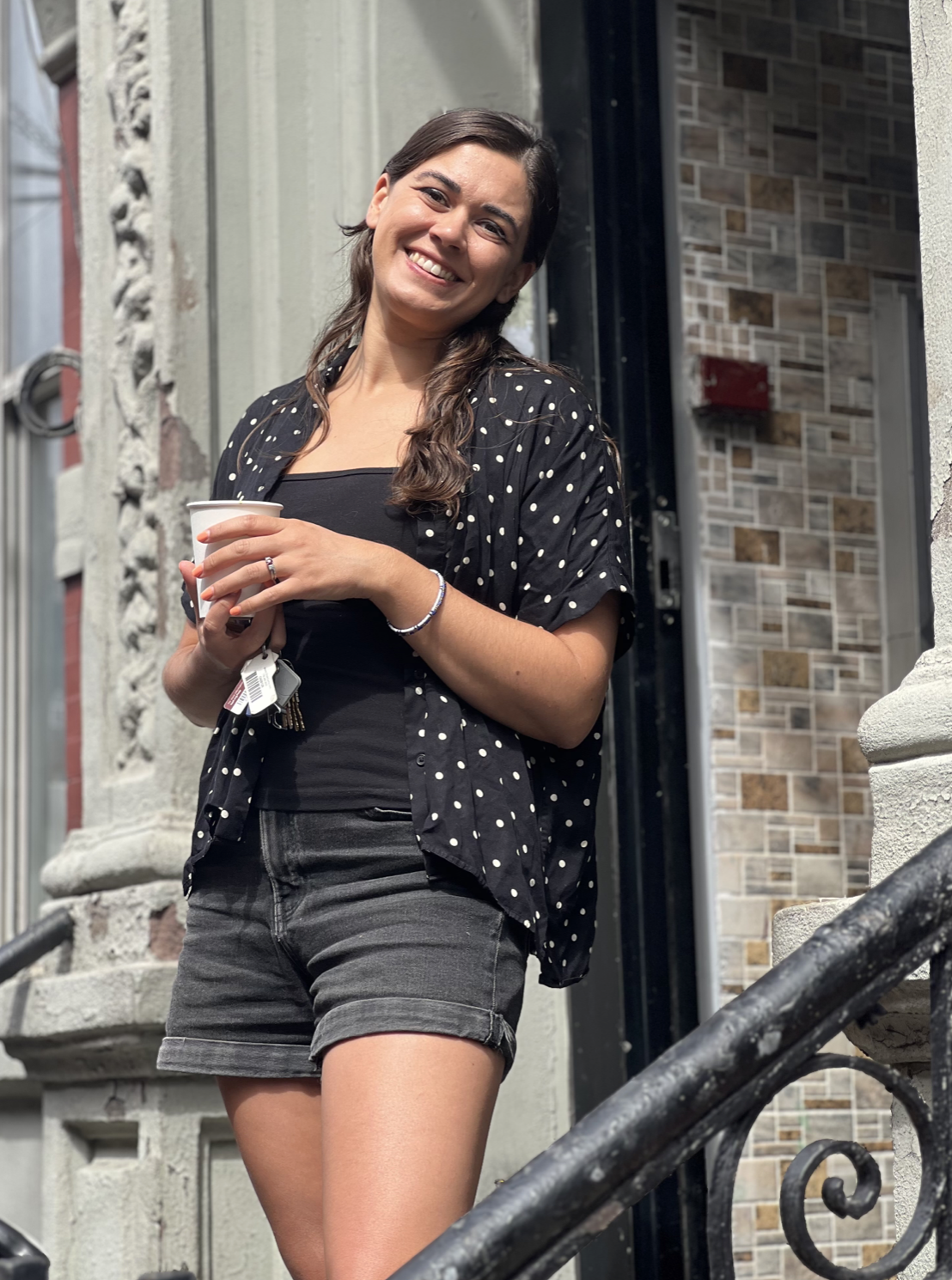
Hi, I’m Andrea
HueCue started the way a lot of good tools do — out of panic. My husband Hayden signed a lease for a venue for his magic show, and when we walked in for the first time, it was just an empty room. No lights, no set, nothing.
Traditional theatrical lighting was out of the question — too expensive, too bulky, and the permitting alone would have taken months. A lighting consultant pointed us toward Philips Hue as a low-cost, no-DMX alternative for the small stage. Hayden already had a QLab license for the show, so he dug into the Philips Hue API, wired together a script generator, and built the first version of HueCue in an afternoon.
A year and a half later — tested on a real, ongoing production — we turned it into the app you see here. If you're lighting a community theater, a black box, a small church, or any unconventional performance space and don't want to mess with DMX hardware, this was made for you.
Figure 53® and QLab® are registered trademarks of Figure 53, LLC. Andrea Childress and HueCue are not affiliated with with Figure 53, LLC and this app has not been reviewed nor is it approved by Figure 53, LLC